


Instructions
- After logging in, click on “My Activities” from the left navigation menu and click on “Create an Organization”.
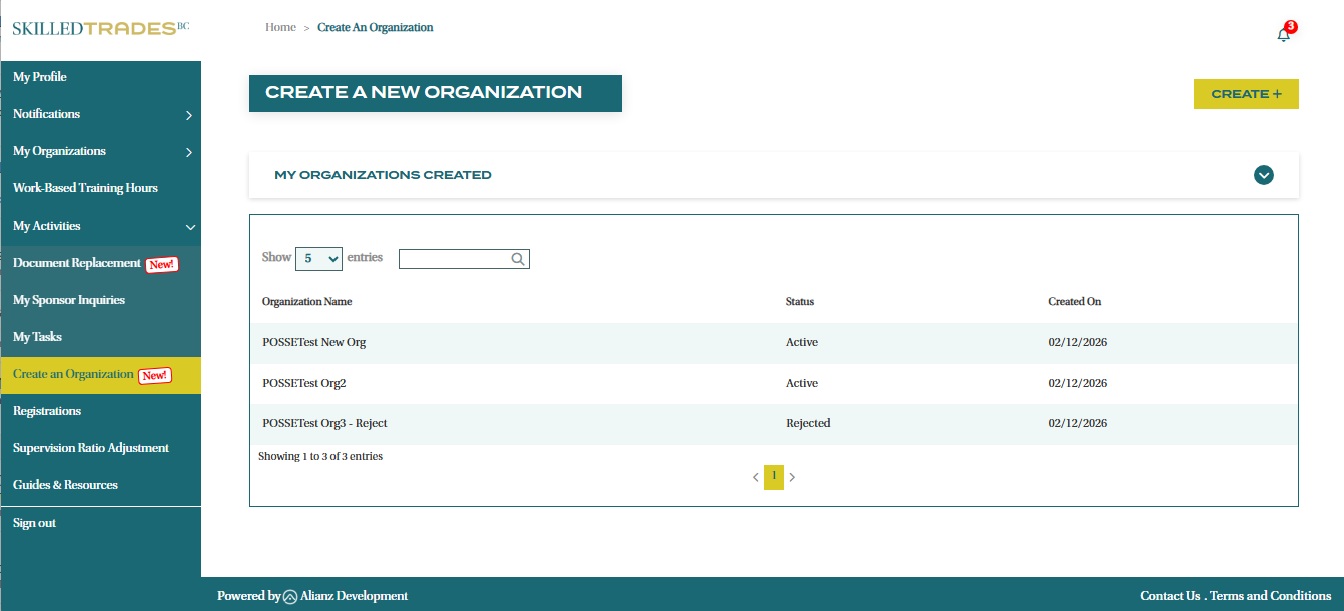
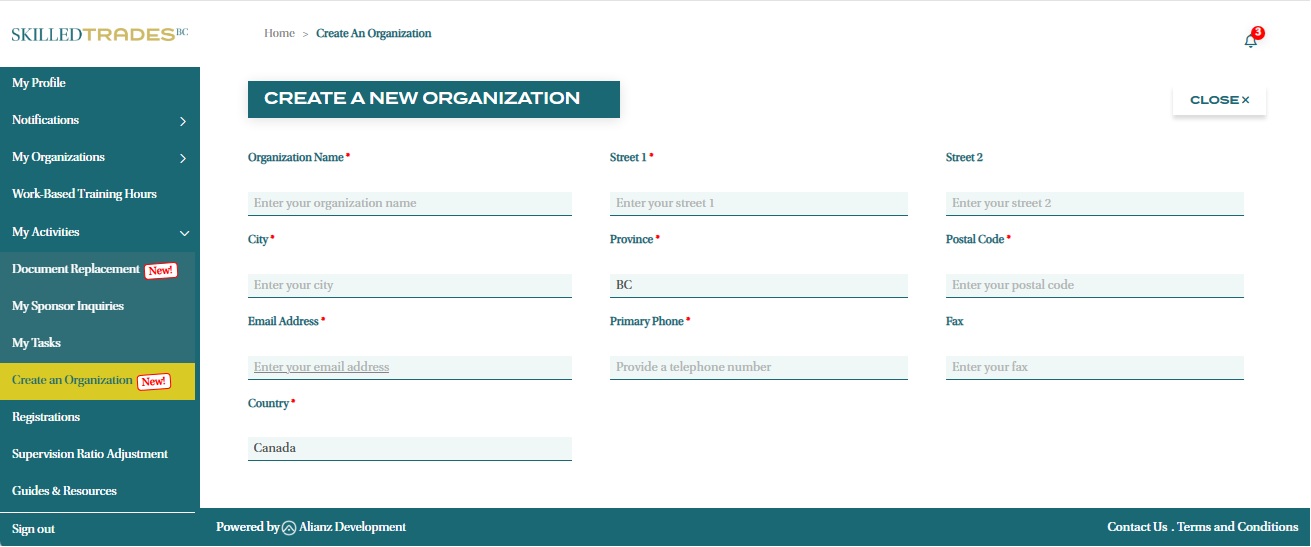
- Click the “Create +” button in the top right corner and fill out the required fields including your organization’s name, address, and contact information.
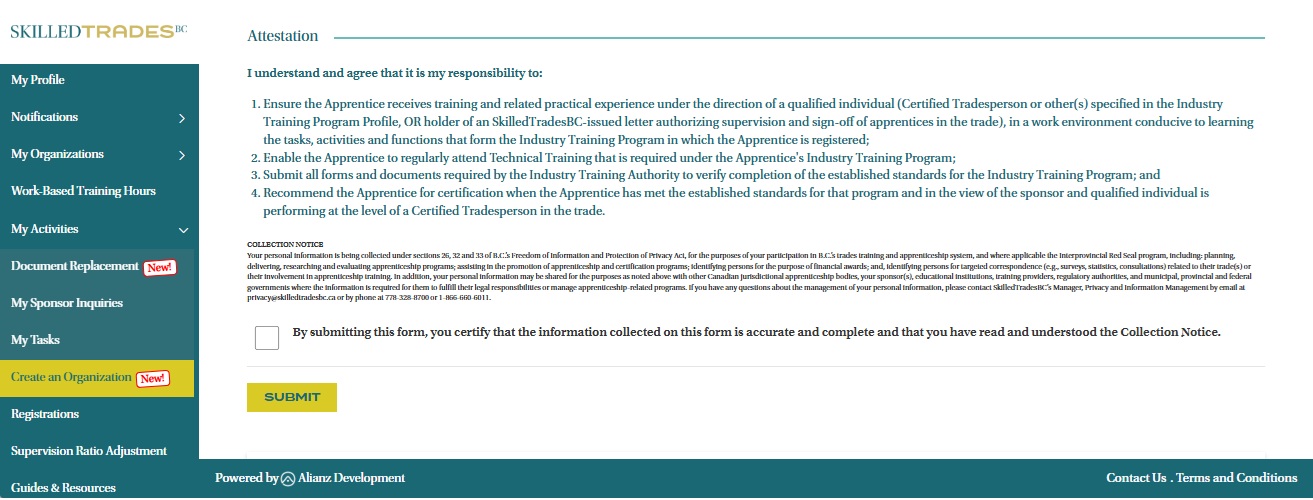
- Read the Attestation below and check the box to agree. Click the “Submit” button to complete the creation process.
- Once you have submitted your form, we will review your application. Your application status will appear under the “My Organizations Created” section.
Note: To remove or deactivate an organization you previously created, please contact Customer Service for assistance.
Need help?
Contact us by:
- Submit inquiries through “My Sponsor Inquiries” section
- Email: customerservice@skilledtradesbc.ca
- Phone: 778 328 8700/ Toll Free in British Columbia: 1 866 660 6011
Last updated: December 2025